
The family habit tracker, now in your pocket
Award points the moment it happens. See what your co-parent just logged. Keep the whole family in sync, from the kitchen counter to on-the-go.


Free to start, no credit card required
- iOS & Androidboth platforms live
- ~5 secondsto award a point
- One familyevery device in sync
- No adsprivate by default
A look around
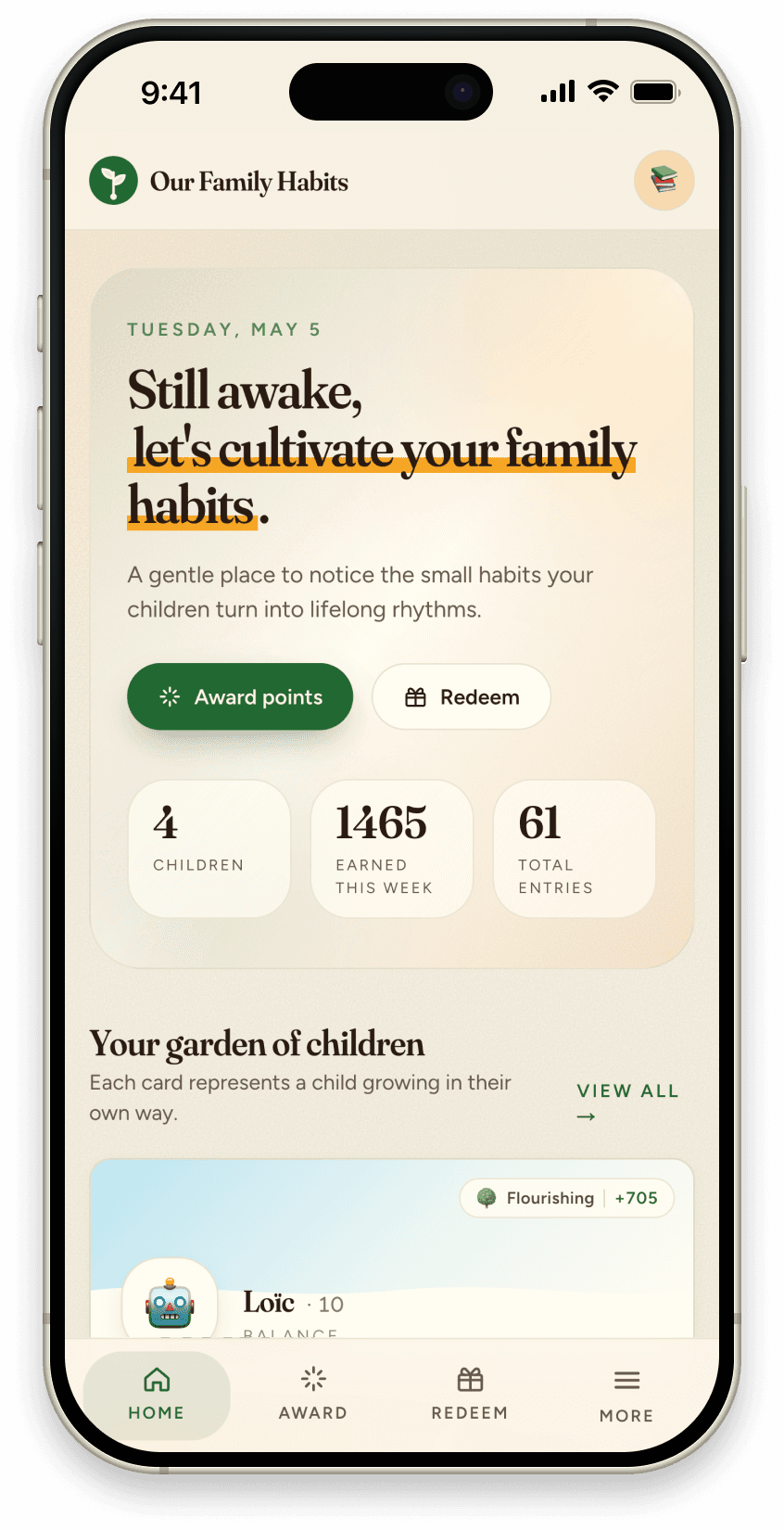
Calm, warm, and out of the way
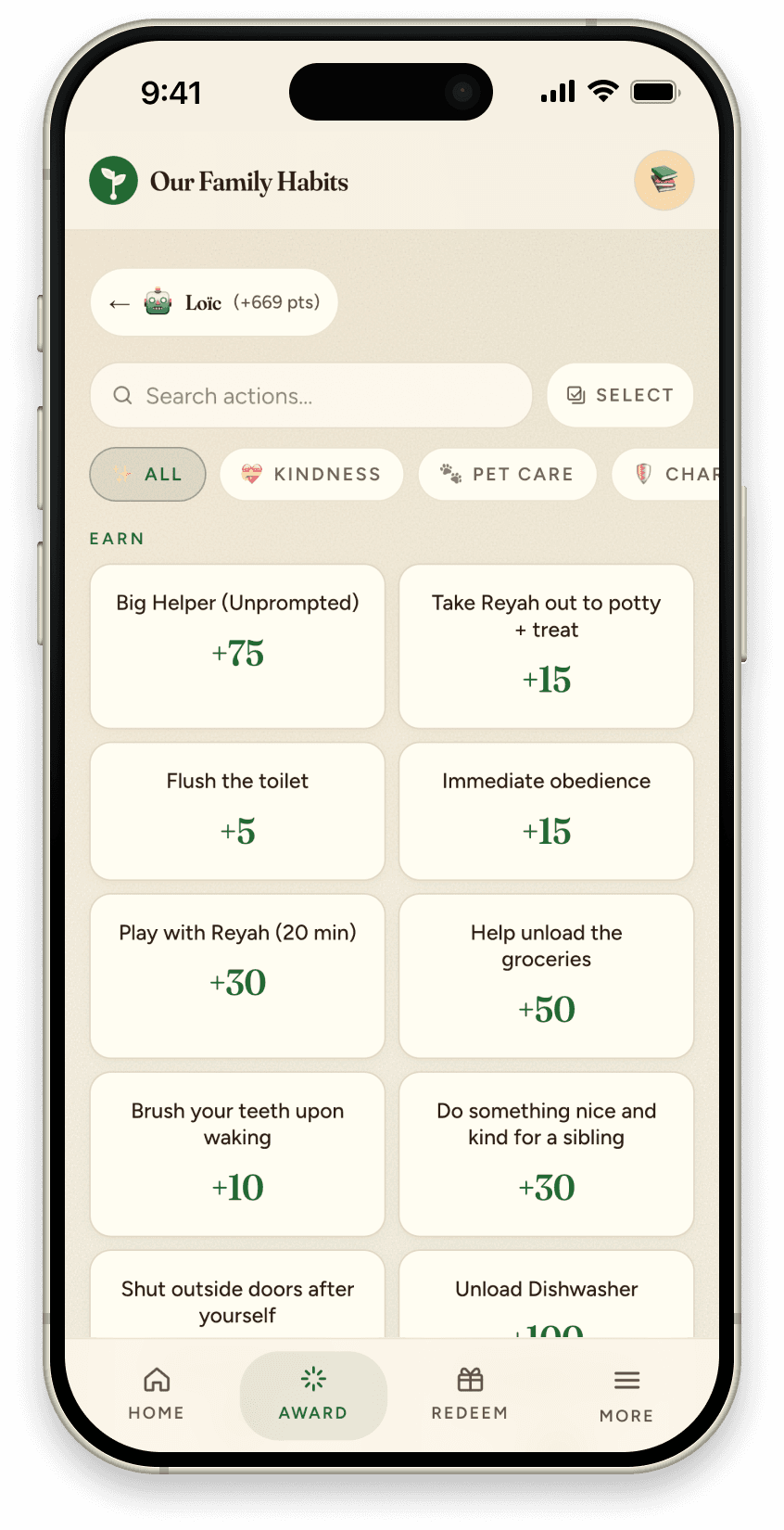
Award detail 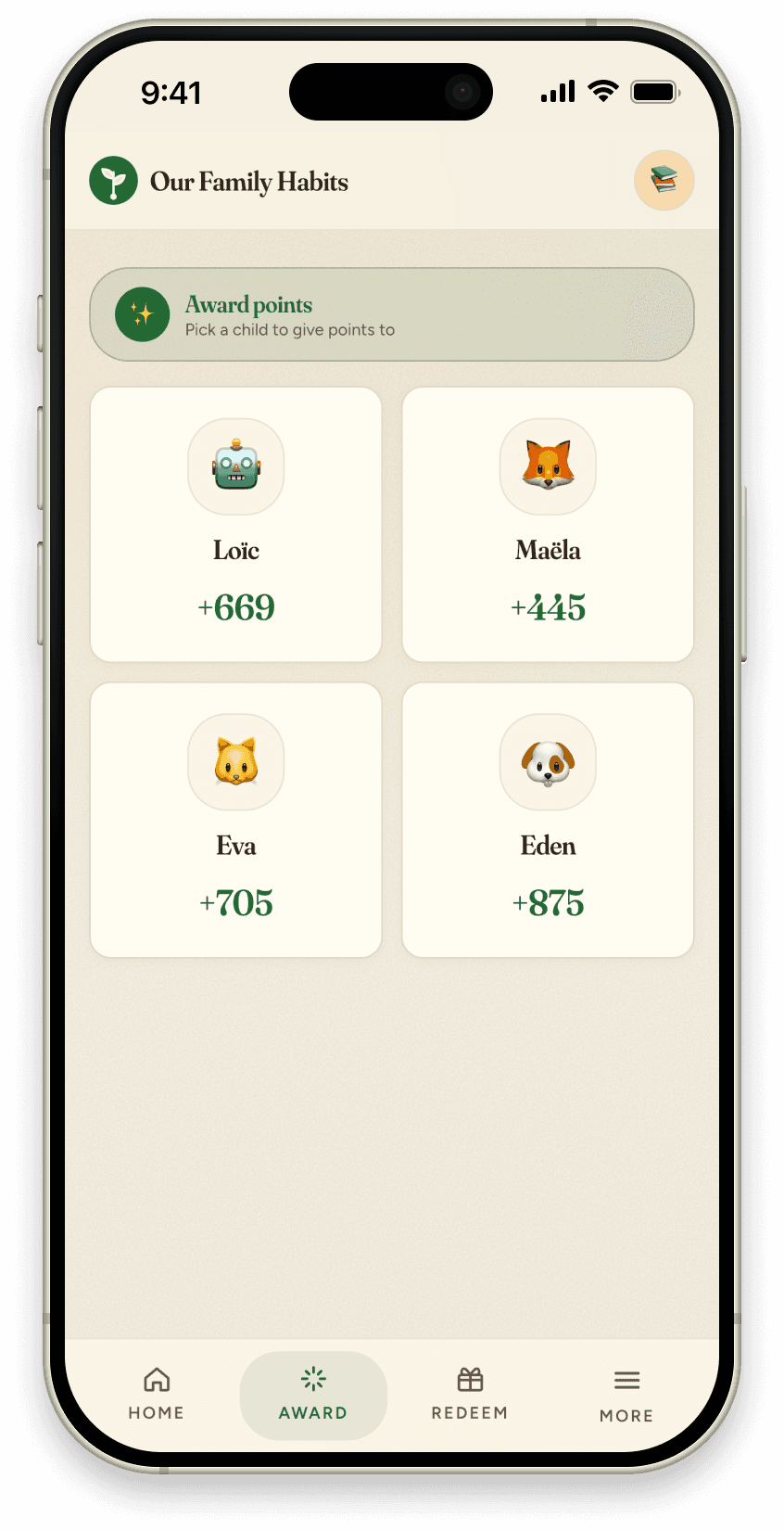
Award points 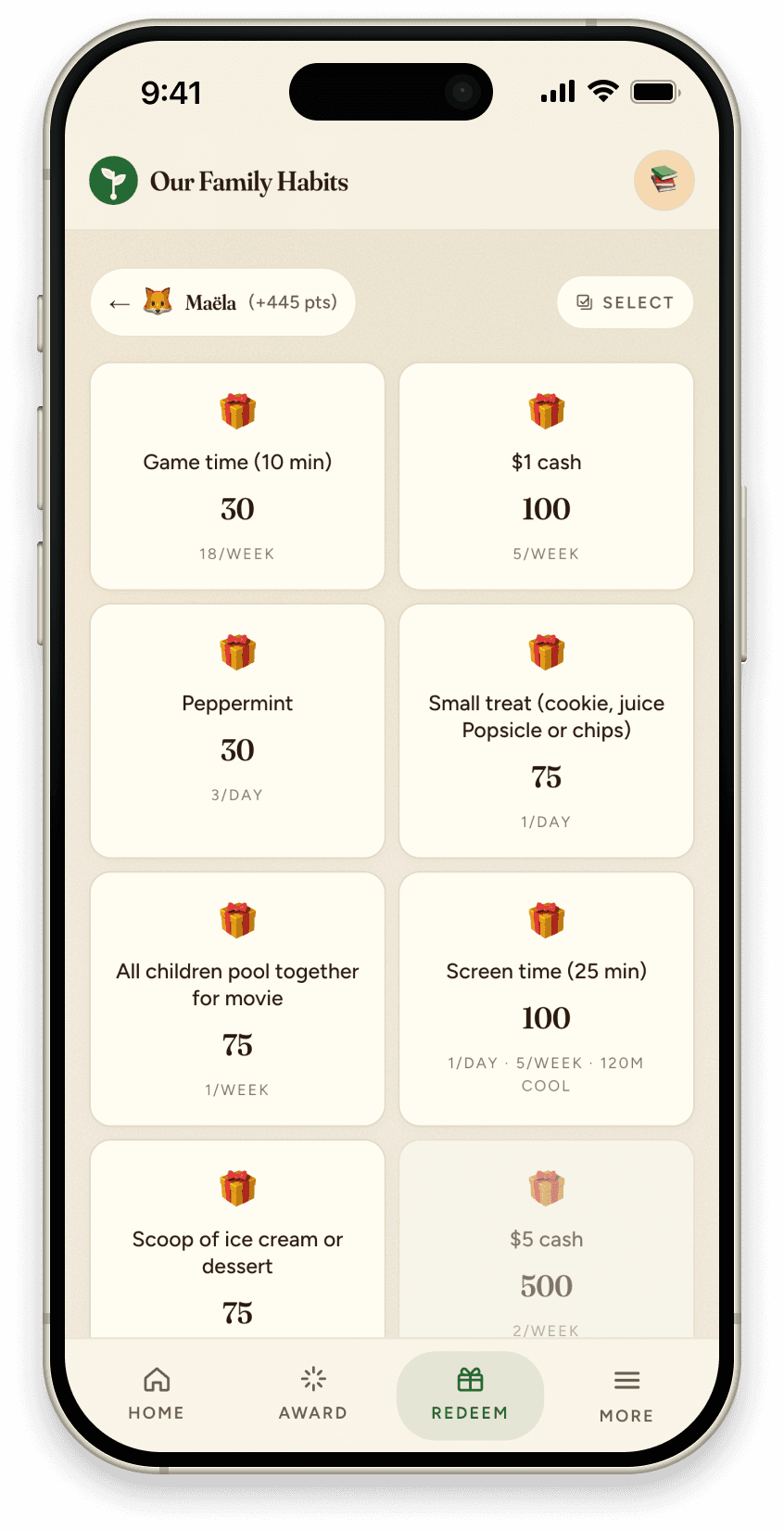
Reward detail
Kiosk mode: Park a spare tablet on the kitchen counter. The family dashboard runs fullscreen, always visible, always nudging. Points, today’s habits, gentle reminders. No parent required to run it.
Why the native app
Built for the moments habits actually happen
5-second logging
Tap an action, award points, close the app. No browser, no login prompt. The native shell stays out of the way so the moment doesn't pass.
Push notifications
Your co-parent awards points at school pickup, your kid redeems a reward at grandma's house. You see it the moment it happens.
Lives on the home screen
Pin it where your kids will actually find it. One tap to the kid view. No browser, no logging back in. It looks and feels like the rest of their phone.
Everything in sync
Web on a laptop, native on each parent's phone, kiosk on a tablet. All one shared family. Sign in once on each device.
Private by default
No ads, no third-party tracking, no selling family data. The app collects only what's needed to do its job. Even digest emails stay between us.
Kitchen counter kiosk
Full-screen family dashboard on a spare tablet. Points, today's habits, and gentle nudges, always visible to the whole household.
Want the full feature breakdown? See every feature →
Getting started
Three steps from signup to your first habit
- 1
Sign up free on the web
Create your family at app.ourfamilyhabits.com. Add your kids, set up habits, and build your reward catalog. Takes about five minutes.
- 2
Download the app on iOS or Android
Open the App Store or Google Play, search “Our Family Habits,” and install. Sign in with the same account. Everything carries over instantly.
- 3
Start awarding points today
Your co-parent on their phone, kids on a tablet in kiosk mode, you on the web. All one family, always in sync.
Start tracking family habits for free on iOS and Android
Set up your family on the web first, then download the app and pick up right where you left off.