What is a family operating system? (And why yours is currently a person)
Every family already runs on an operating system—the question is whether it's a shared, visible set of rhythms or one parent's exhausted memory. Here's what a family operating system actually is, what it isn't, and how to install one without buying a $600 display.
By Jon Horton ·
Every family already has an operating system.
Something is deciding who does what, when things happen, what's expected, and what it costs to skip it. In most homes that something has a name, a coffee preference, and dark circles under her eyes.
That's the honest definition of the default: in the average household, the operating system is a person. Usually mom. She holds the schedule, the standards, the reminders, the score. Everyone else runs as a client of her memory. When she's sharp, the house runs. When she's sick, traveling, or simply out of gas—the system goes down. Everything waits, or unravels, until she's back online.
A family operating system is what you install so that stops being true.
The definition
A family operating system is the shared, visible layer where your family's expectations, rhythms, and follow-through live—so the household runs on the system instead of on one parent's memory and voice.
Break that down:
- Shared — every member reads from the same source. Not mom's version relayed on request. The eight-year-old sees the same day the parents see.
- Visible — it exists somewhere physical eyes land: a screen in the kitchen, a chart on the wall. Not a mental list, not an app buried on one parent's phone three taps deep.
- Expectations and rhythms — chores, routines, habits, the repeating structure of your week. The stuff that currently requires narration.
- Follow-through — the system itself tracks done/not-done and connects it to consequences and rewards, so accountability doesn't require a parent playing detective.
If you've read our writing on why chores turn into fights or what makes a habit a family habit, you've seen the pattern this solves: when rules live in a parent, kids push on the parent, and everything runs through her. The operating system is where the rules move to.
What a family operating system is not
The term is getting fashionable, so it's worth drawing lines. Three things wear the label that aren't this:
It's not a family calendar. Cozi and its cousins are excellent at logistics—who's where, when, in which cleats. But a calendar holds events, not expectations. It can tell you soccer is at 4. It has no opinion about whether the room got cleaned or what happens if it didn't. (We compared the two jobs in depth in our Cozi comparison.)
It's not a document vault. Some products use "family operating system" to mean organized paperwork—insurance, estate docs, passwords. Genuinely useful. But that's a filing cabinet for the family's records, not a system for the family's behavior. Your Tuesday doesn't run on your insurance policies.
It's not a $600 wall display. The hardware-display companies have the right instinct—make the family's day visible in shared space—and they've married it to a subscription and a proprietary screen. The visibility is the point. The hardware isn't. A spare tablet you already own does the same job for free.
What it looks like running
Concretely, in our house and thousands like it:
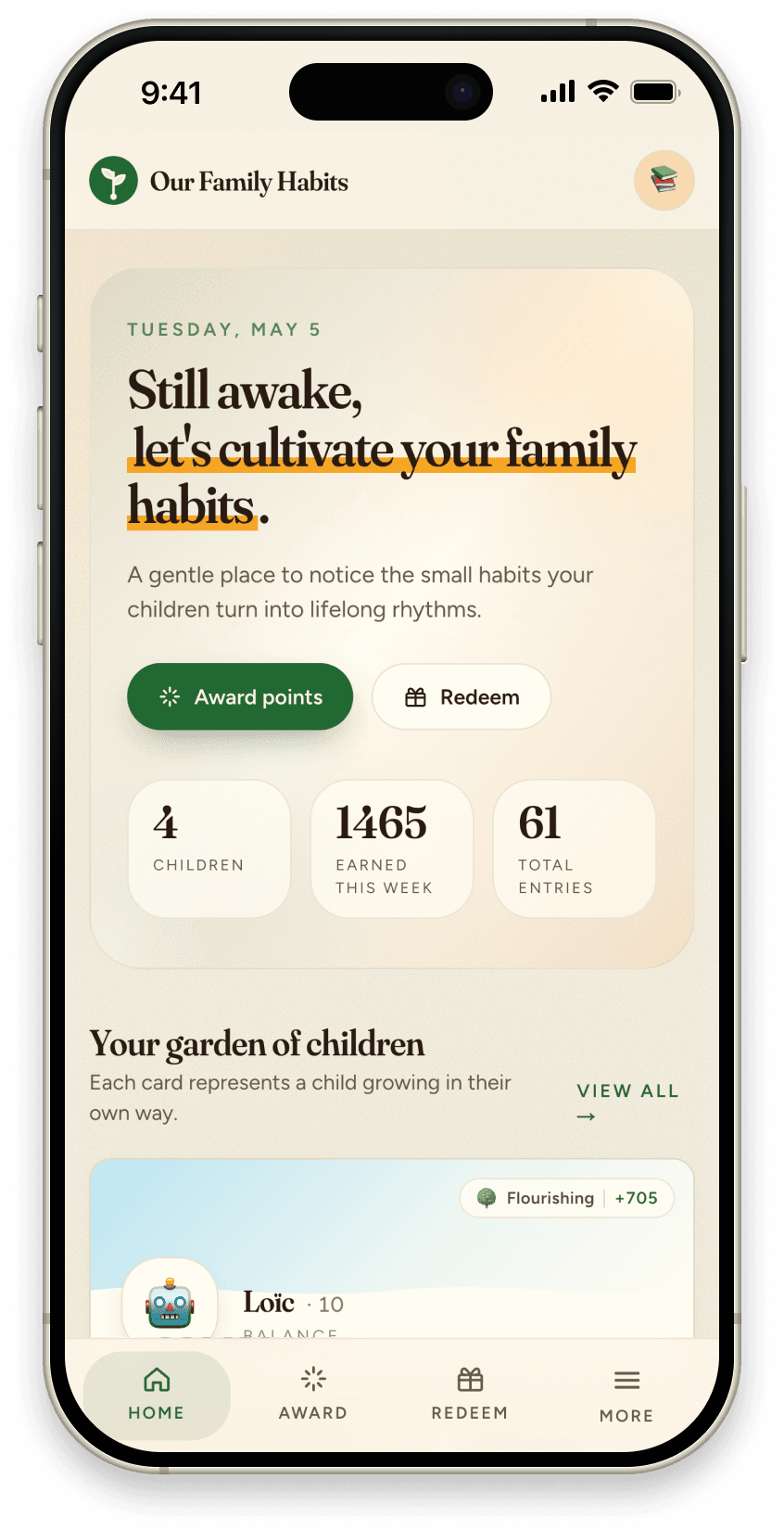
A tablet lives in the kitchen, always on, showing each kid their day—kiosk mode, no logins, little-kid-proof. Morning list, after-school list, evening reset. Kids tap things done as they go; anything claimed lands in a parent approval queue, so "I did it" and did it stay the same thing. Completed work earns points, and points flow to rewards each kid actually cares about—screen time, a late bedtime, an outing, allowance if that's your family's choice. Parents see the week's patterns without interrogating anyone.
Then the part that matters: the parent's role changes shape. You stop being the reminder, the tracker, and the referee—the system carries those—and you go back to being the parent: noticing effort, celebrating streaks, adjusting the rhythms as the family grows. You maintain the system. You stop being the system.
That's the difference we've watched it make on the days a parent has nothing left: the house keeps running, because the house knows how.
How to install one
You don't buy a family operating system so much as stand one up, in steps:
- Externalize the expectations. Everything you currently repeat out loud, written into the system, per kid. One-time cost, permanent return.
- Anchor them to your real rhythms. Morning, after school, before dinner, bedtime. The day's structure becomes the reminder—not your voice.
- Make it ambient. Mount the tablet where the family eats. Visibility in shared space is what separates an operating system from another app nobody opens.
- Close the loop. Points, approvals, rewards—so doing the thing reliably leads somewhere, even when you forget to cheer.
- Run it for a season, then tune. Rhythms drift. A system you can adjust in thirty seconds beats a laminated chart you have to reprint.
We built Our Family Habits to be exactly this layer—the free, software-only family operating system: habits, chores, routines, rewards, and a kiosk your youngest can run. No proprietary screen, no card required to start.
One step
Name your current operating system honestly. If it's a person, she already knows.
Then move one daily rhythm—just the morning routine, say—out of her head and into shared, visible space, and watch what happens to the nagging that surrounded it. If you want the full layer ready to go, start Our Family Habits free. The system should run the day. The parent should get to live in it.